Category Guides
Second Hand Laptops, TVs and Tablets in Dubai and the UAE: What to Check
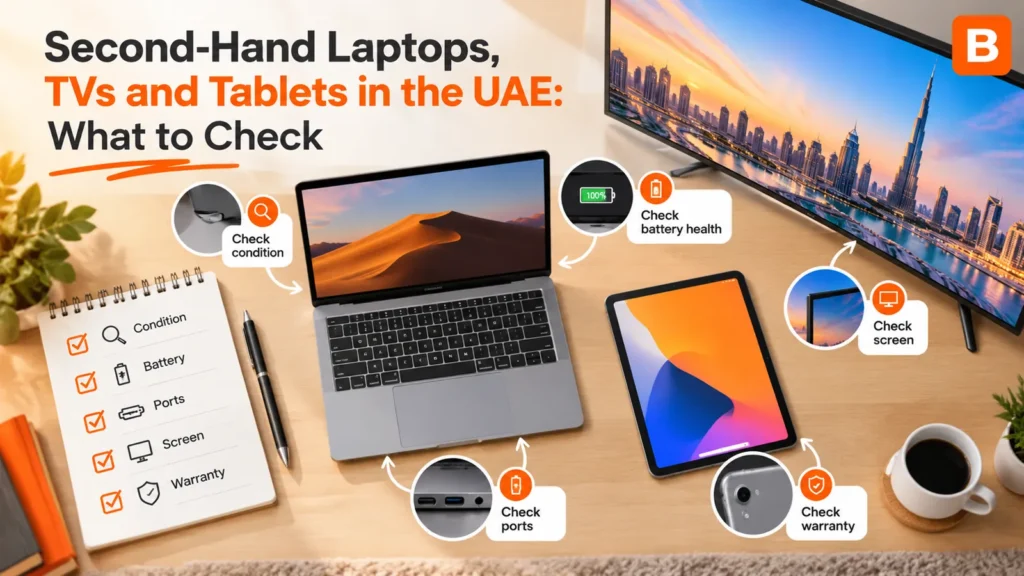
The UAE has an unusual electronics cycle. People upgrade often, many residents move every few years, and a large share of households arrive or leave with very little. The result is a steady supply of laptops, TVs and tablets that work perfectly well but no longer fit their owner’s life.
For the person receiving one, a well-kept second-hand device can do everything a new one would for a fraction of the cost. For the person passing it on, a working device sitting in a cupboard is value doing nothing. The whole thing only works if both sides know what to check — and the checks are different for each category.
This guide covers all three: what to look for, what each one is realistically worth to you, and whether to swap, sell, trade in or recycle.
A laptop is several components that age at different speeds. The processor and screen usually outlast everything else; the battery and storage drive are what wear out. That means two laptops of the same model and year can be worth very different amounts.
Leave it running throughout the meetup. A laptop that is fine for two minutes and hot and loud after fifteen is telling you something about its cooling.
Solid-state storage matters more than the processor for everyday use. An older laptop with a solid-state drive will feel faster for browsing, documents and video calls than a newer one stuck on a mechanical drive.
Battery health matters more than age. A laptop that lasts a full working day on a charge is a portable computer; one that lasts forty minutes is a desktop with a hinge.
The charger matters more than people assume. A laptop without its original charger is an immediate extra cost and a question about where it went. Include it, and say so in the listing.
TVs are the category where the photos tell you least. A screen photographed while switched off looks identical whether it is perfect or badly damaged. You have to see it working.
The easiest way to show solid colours is a test-pattern video on a phone, cast or played through a USB stick. Agree beforehand that you will do this, so nobody feels ambushed.
Large flat panels are fragile in a way their weight does not suggest. Carry them upright, never flat, and never by pressing on the screen. The original box is genuinely valuable here — it is designed for exactly this journey. Without it, two people, a blanket and an upright position in the vehicle are the minimum.
Wall-mounted TVs need the bracket taken down and the holes dealt with before handover, which matters if you are moving out. See what leftover items mean for your security deposit.
Tablets are simple to test and easy to carry, which makes them one of the easiest devices to swap well — with one important exception.
A tablet still linked to its previous owner’s cloud account cannot be set up by anyone else. It may look perfect and power on normally, yet ask for a password at setup that only the old owner has. At that point it is close to worthless.
The only reliable test: after a factory reset, the tablet should show a normal first-time setup screen. Do the reset together at the meetup and watch it happen.
That last software point matters more for tablets than laptops. A tablet that cannot install the apps you need is a picture frame. Check that the specific apps you want will run on it.
The middle rows are where most devices sit. A laptop or tablet in that band is worth noticeably more to someone who needs one than to a buyer pricing it for resale. Swapping captures that difference. Where values do not match, a cash difference closes the gap — see how swap plus cash works.
A device does not have to be swapped for another device. A spare laptop can become a bicycle, a tablet can become a desk, a TV can become a sofa. Both people agreeing is the only rule.
Every device here holds more personal data than people realise — saved passwords, email, photos, and on smart TVs, signed-in streaming accounts.
Demonstrate the device working first, then reset at the handover. The UAE publishes useful background on data protection.
Devices that no longer power on, have a cracked TV panel, or have a swollen battery belong in an authorised e-waste channel. Never in a general bin, where batteries can leak or ignite, and never passed to another person as though they were fine. See e-waste in the UAE and the official waste management guidance.
A household is relocating and has a four-year-old laptop, a 50-inch TV and a tablet the children have outgrown.
The laptop has a solid-state drive and good battery health, so they list it to swap, stating the storage, battery figure and that the charger is included. Within a week someone offers a bicycle the family needs at their new home. The TV is too awkward to take abroad, so they list it as a swap or free to whoever collects with two people before a firm date. The tablet goes to a colleague’s child after a reset done together.
Nothing went to landfill, nothing was sold at a loss, and the one thing they actually needed arrived in exchange.
There is no fixed price. It depends on the model, age, processor, storage and especially battery health. Compare several current listings for the same model and configuration, and value a laptop with a solid-state drive and a healthy battery higher than an older-spec one.
Yes, if you test it in person. Check battery health, storage, every key and port, the screen on white and black, and the hinges, and leave it running during the meetup to see how it handles heat.
See it switched on. Show full-screen solid colours to reveal dead pixels and tints, play a dark scene to spot backlight bleed, test every HDMI port, and confirm the remote and smart features work.
An account lock. Factory reset it together at the meetup; it should show a normal setup screen. If it asks for the previous owner’s password, it is locked.
Sell a recent high-end model in excellent condition. For anything two to five years old and working well, swapping usually gets you more value, because it is worth more to someone who needs it than to a reseller.
Yes. Anything both people agree on works, from furniture to sports equipment, and a cash difference can balance unequal values.
Use an authorised e-waste channel. Devices with swollen batteries or cracked panels are a safety issue and should not be passed on.
That laptop, TV or tablet in the cupboard still works for someone. Test it, wipe it, and list it free on Bartr to see what it could become.