Category Guides
Used Electronics Swap Checklist: What to Test Before You Exchange
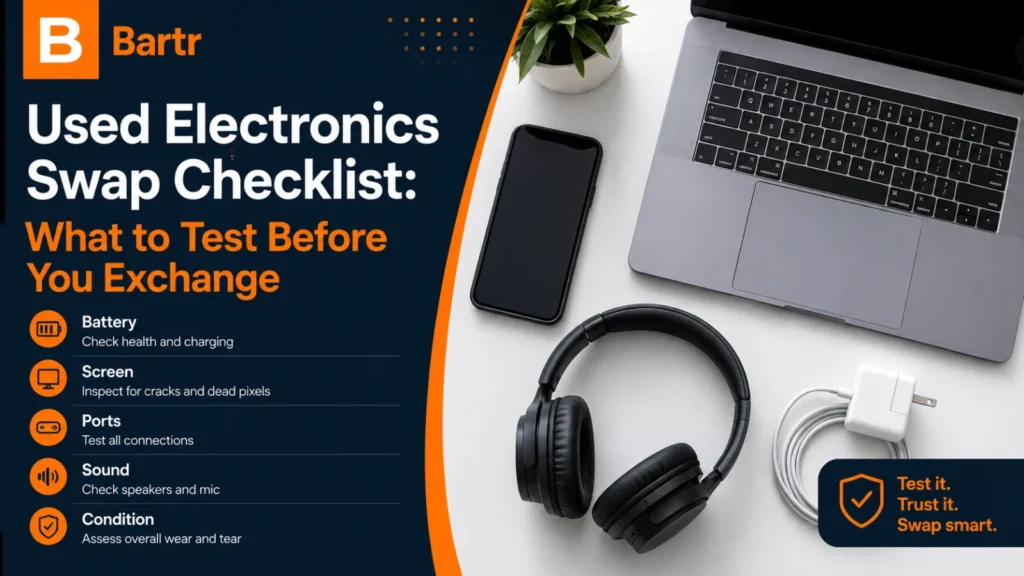
Electronics are the most swapped category in the UAE, and the one where a good-looking item can still be a bad trade. A phone can pass a glance and fail on battery, a laptop can boot and throttle under load, a console controller can drift only once a game is running.
None of that is hard to catch. It just has to be checked deliberately, in a place with power, seating and connectivity — which means agreeing the test in the chat before either of you travels.
Model names are deliberately confusing. Before anything else, get the following in writing:
A previous repair is not automatically a reason to walk away. An undisclosed one is. Ask directly, and ask what was replaced.
Do this under bright light before you plug anything in.
Screen. Look for cracks, dead pixels, burn-in, discolouration and unresponsive areas. Run a finger across the whole surface, corner to corner.
Body. Check the frame, hinges, buttons, camera glass and screws. Uneven gaps, a lifting panel or missing screws can indicate an impact or a previous opening.
Ports. Look inside the charging and audio ports for damage or corrosion, and test with a cable you know works. A device that charges only at a particular angle has a worn port, even if it appears fine during a short demonstration.
Work through the whole surface and every sensor: touchscreen across the full display, front and rear cameras, microphones, speakers, vibration, biometric unlock, Wi-Fi, Bluetooth, mobile signal and charging.
Insert a SIM only if both of you are comfortable, and remove it before handover. Check the battery information in the system settings, but do not treat one percentage as the whole answer — watch instead for sudden drops, overheating or unexpected shutdowns during the test.
Boot from a full shutdown, not from sleep. Then check the keyboard, trackpad, webcam, microphone, speakers, Wi-Fi, Bluetooth, every USB port, display output and charging.
Open several applications at once and listen. Fan noise, heat and stability under a little load tell you more than an idle desktop ever will. Check storage capacity and general drive health through the built-in system information, and confirm the charger is the right one for the model — an underpowered charger can show a charging icon while failing under load.
Start an actual game rather than trusting the home screen. Test disc reading where relevant, internet connection, HDMI output, every controller button, both analogue sticks, triggers, vibration and charging.
Controller drift often only shows up in a game. Give it a couple of minutes.
Confirm the device can be removed from the previous owner’s account and re-paired to yours — some smart devices stay tied to an account until properly released. Test pairing, range and any app-dependent functions before agreeing.
This is the part most people skip, and the one that ruins the most swaps after the fact.
Before the final handover, the current owner should:
The test that settles it: after the reset, the receiving person should see a normal first-time setup screen — not a prompt asking for the previous owner’s credentials. If that prompt appears, the device is locked and effectively worthless until the original owner releases it. Do not complete the swap on a promise to sort it out later.
Order matters: demonstrate the device works before resetting, then reset just before handover. The UAE publishes useful background on data protection laws and on cyber safety and digital security.
Settle these in the chat before anyone leaves home:
See how swap plus cash works for the value difference, and the safe swap meetup checklist for the handover itself.
How a careful electronics swap actually runs:
Nothing here is complicated. It is simply done in the right order — test while the device still works, reset once you are both satisfied, and hand over last.
Pick the venue for the device, not for convenience. A phone can be checked almost anywhere with decent light, but a laptop needs a socket and a table, and a console needs a screen — which usually means agreeing to test it at one of your homes, with the usual precautions of daylight hours and another adult present.
If a proper test genuinely is not possible on the day, say so and postpone rather than accepting a demonstration you know was too short. There is no deadline on a swap, and the item will still be there next week.
Some findings end the conversation rather than adjust the price:
These belong in a proper e-waste stream, not in a swap. The UAE’s approach is set out on the official waste management portal, and our guide to e-waste and swapping electronics covers both routes.
Long enough to cover screen, cameras, sound, charging, connectivity, battery behaviour and account status — realistically ten to fifteen minutes. A rushed two-minute check is not enough for anything valuable.
Not necessarily. What matters is disclosure, the quality of the repair and the parts used, and how the affected function performs now. Ask what was repaired, then test that specific thing carefully.
Do not assume so. Account-based purchases usually stay with the account, not the device. Treat the hardware and physical accessories as the exchange unless transferability is genuinely clear.
After both people have finished testing and agreed to proceed, but before the final handover — and only once activation locks and linked accounts are removed.
Keep the chat record, contact the other person and report the account if they will not resolve it. This is exactly why the post-reset setup screen should be checked at the meetup, not at home.
No. Listing and swapping are free with no commission, and any cash difference is settled directly between the two people at the handover.
Found an electronics listing on Bartr? Paste this checklist into the chat, agree a proper test, and complete the exchange only once the device and the accounts are both verified.