Barter Guides
How to List an Item on Bartr: Exchange Your Old TV, Phone, Furniture & More for Something New
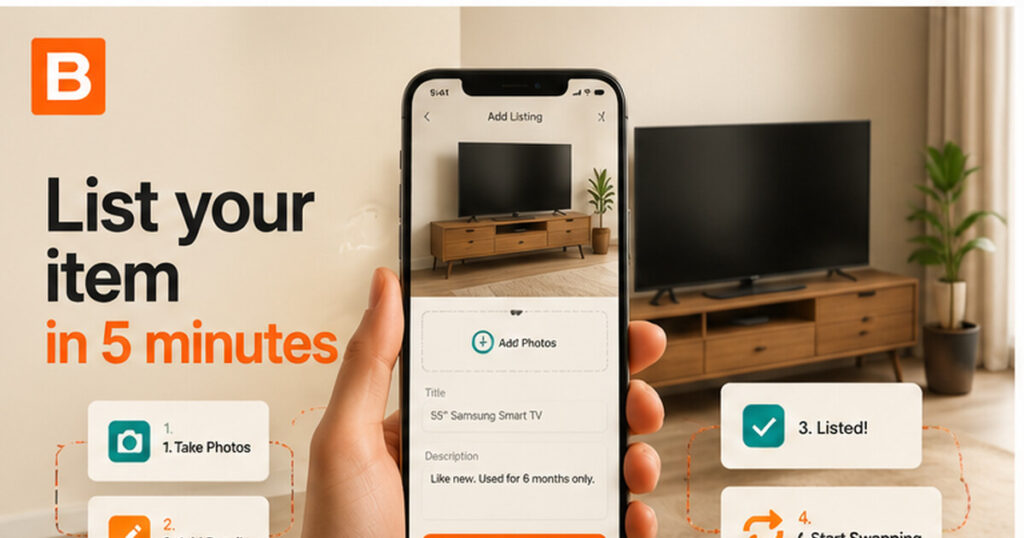
Almost every UAE household has something sitting idle — a TV from a previous apartment, a phone in a drawer, a sofa that no longer fits the room. Listing it turns an unused possession into something you actually need.
There is no cost involved. Listing is free, there is no commission, and Bartr does not process payments — any cash difference is settled directly between the two people at the handover.
You will need about five minutes, decent daylight, and an honest view of the item’s condition.
Get Bartr from the App Store or Google Play, then add your name, your emirate and a short bio. A complete profile with a real photo makes a genuine difference — people respond to listings from recognisable community members far more readily than to blank profiles.
Pick the category that actually matches the item: Electronics, Furniture, Fashion, Kids & Baby, Sports & Fitness, Books & Media, or Jewellery & Accessories. The wrong category means your listing never appears in the searches that would have found it.
Photos do most of the work. Four rules cover almost everything:
For anything electrical, photograph it powered on — a TV showing a picture, a laptop at the desktop. It answers the first question everyone asks. Never use a stock image. Our phone photography guide covers this properly.
Include the brand, model, age, condition and exactly what is included. Then state any flaw plainly: a scratch, a repair, a missing charger, a mark on the arm of the sofa.
This feels counter-intuitive the first time, and it is the single highest-value habit on the platform. Disclosed flaws build trust. Discovered ones end trades — usually at the meetup, after both people have travelled.
Say what you are hoping to receive. This field is optional and skipping it is the most common reason a perfectly good listing goes quiet.
Be specific if you know: “looking for a soundbar or a smaller bedroom TV”. Be broad if you do not: “open to kitchen appliances or office furniture”. Breadth here multiplies your matches — naming one exact model narrows you to almost nobody.
Add your general neighbourhood or emirate so nearby people can judge whether it is convenient. You never need to share an exact address. Noting rough availability — “evenings and weekends” — saves several messages later.
Your listing goes live to the whole community. Answer offers the same day where you can; speed of reply correlates with completed swaps more than almost anything else. Once you both agree, arrange a public meetup, inspect, exchange, and rate each other afterwards.
Nothing on this list disqualifies an item. Plenty of people happily take on a known, described fault — what ends trades is finding out in person.
Start to finish, the way it actually goes:
Total effort: about five minutes to list, two short conversations, and twenty minutes on the day.
Publishing is only half of it. How you handle the replies decides whether a listing turns into a completed swap.
Check that their photos are real and current, that the model or size is stated precisely, that flaws are mentioned, and that their profile shows completed swaps. A listing with no flaws at all is not necessarily dishonest, but it is worth one direct question before you agree to travel.
Before anyone sets off, both people should be able to see the same four things in the chat: exactly what is being exchanged, any cash difference, the place, and the time. Confirming the day before, and again before you travel, prevents almost every wasted trip.
Not every offer will suit you, and declining one costs nothing. A short, friendly “thanks, not quite what I am after” keeps your reputation clean and leaves the door open for a better match later.
Timing helps too. Departures cluster through the summer and arrivals around the start of the school year, so furniture and household items listed in that window reach far more motivated people.
Prepare the item properly. Clean it, gather every accessory, and for devices: back up, sign out of all accounts, disable activation lock, remove SIM and memory cards, then factory reset — after demonstrating it works. Our guides on preparing an item for handover and the safe swap meetup checklist cover both sides.
Meet in a public, well-lit place, inspect before exchanging, never pay in advance, and never share an OTP or password. The UAE government portal covers cyber safety and digital security and consumer protection in plain terms.
About five minutes once you have photos. Setting up your profile the first time adds another couple of minutes.
Three at an absolute minimum; five to eight is better. Front, back, sides, labels, and a close-up of any flaw — all real photos of your actual item.
No. There are no listing fees, no promotion fees and no commission on any swap.
List it anyway and describe the fault clearly. Many people are happy to take on a known issue, particularly for repairs or parts. Hiding it is what causes problems.
Whatever you genuinely need, kept broad. Categories work better than exact models — “open to kitchen appliances or office furniture” will find you far more matches than one specific product name.
Usually one of four things: a vague title, weak photos, an unrealistic expectation of what you will receive, or a blank preferences field. Fix those in that order and refresh the listing.
Pick one item you no longer use, photograph it in daylight, and list it free on Bartr — it takes about five minutes.