Category Guides
Swap Gaming Consoles and Games in the UAE: A Practical Guide
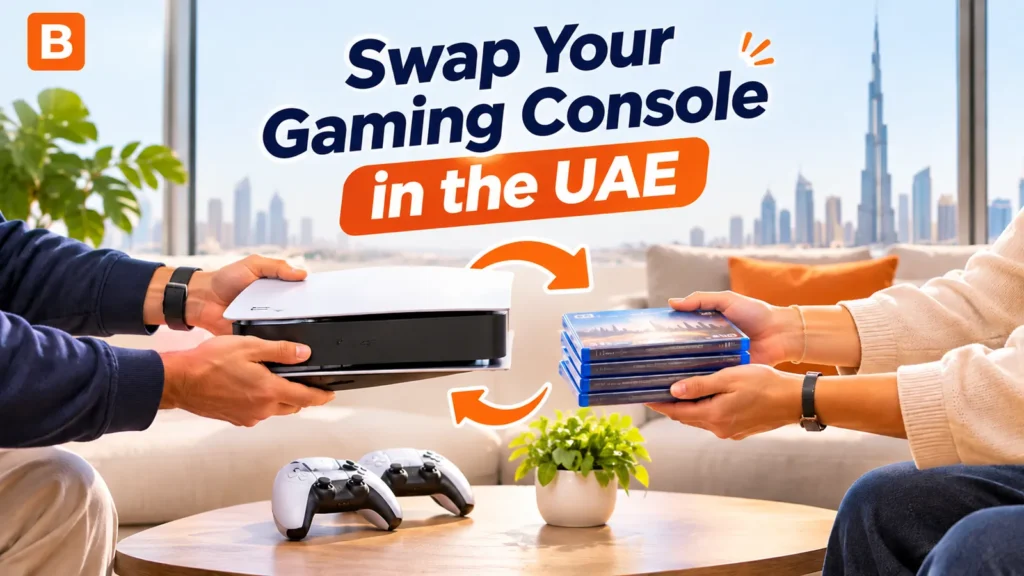
Gaming consoles follow a predictable cycle. A new model arrives, early adopters upgrade, and a perfectly good older console ends up in a drawer. Meanwhile, someone else would happily play the same games on it. That gap is exactly what swapping fills. Whether you want a used PS5 in Dubai, an Xbox or a Nintendo Switch, the checks in this guide apply.
The UAE has a large, young, connected population and many residents who move between homes and countries every few years. Each move is a moment when people decide what to keep. Consoles, controllers and boxes of games are often on the list of things to pass on, especially when the owner is upgrading or leaving the country.
Swapping lets you trade what you no longer play for something you will. That might be a console for a console, games for games, or a console for something completely different — a bike, a monitor or a set of headphones.
A console can look perfect and still have a problem, so always test it before agreeing to a swap. Ask the owner to have it set up and ready, or bring a portable screen if meeting somewhere neutral.
Stick drift — when the character or cursor moves without you touching the stick — is the most common controller fault. Open a menu or game and leave the controller on the table. If anything moves on its own, the stick is worn. Also test every button, the triggers, vibration and charging.
This step matters for both sides. A console usually holds the owner’s account, saved payment methods, friends list and personal data.
If you are passing a console on:
If you are receiving one: ask for the reset to be done in front of you, then set it up with your own account. A console still linked to someone else’s account can cause problems with downloads and online play later.
Physical games are the simplest thing to swap. Once you have finished a game, it is just a case on a shelf. Swapping a stack of finished games for a few you have not played is quick, cheap and easy to check.
Digital games cannot be swapped, because they are tied to an account. That is one reason some players in the UAE still prefer physical copies.
Two consoles are rarely an exact match. One may be newer, have more storage, or come with extra controllers and games. Agree on value before meeting, based on:
If one side is clearly worth more, the gap can be bridged with swap plus cash, agreed in chat before the meetup. Our guide on how to value an item for a fair swap covers this in detail.
A resident in Dubai has an older home console with two controllers and twelve physical games. They now mostly play on the go and want a handheld. They list the bundle on Bartr, mentioning the storage size, that both controllers have no drift, and the full list of games.
Another user has a handheld console but has bought a new home console and wants more games for it. They agree in chat to swap, meet at a mall, test both consoles with a portable screen, and each perform a factory reset on the spot. Both leave with something they will use, and no money changes hands.
Good console listings answer questions before they are asked:
Clear photos of the console powered on, showing the home screen, build trust quickly. See how to photograph items for a swap.
Consoles are valuable, portable and popular, so meet somewhere public with power sockets, such as a mall café, or at the owner’s home if you are comfortable and bring someone along. Test everything before handing over your item. Avoid deals that ask you to send anything in advance, and be wary of prices or swaps that seem far too generous. Our safe swap meetup checklist and scam red flags guide cover the essentials.
Heat and dust are the main enemies of consoles in the UAE. Keep the console in an open, ventilated space rather than a closed cabinet, clean dust from the vents regularly, and avoid placing it near a window in direct sun. A console that runs cooler runs quieter and lasts longer — and holds its swap value for the next owner.
A few messages in chat save a wasted trip. Before agreeing to meet, ask the owner:
Clear, quick answers are a good sign. Vague replies, or reluctance to show the console working, are a reason to walk away.
Some groups of friends and colleagues in the UAE run informal swap circles for physical games. Each person brings finished games and takes home ones they have not played. It is a simple way to try more games for free, and it works well alongside Bartr for finding games outside your own circle.
Yes. On Bartr you can swap a console for another console, games, accessories or any other item, or agree swap plus cash in chat.
Power it on, load a game, play for ten minutes, test every controller for stick drift, and check that all ports and Wi-Fi work.
Yes. Sign out of all accounts, remove payment methods, back up saves and do a full factory reset before handing it over.
No. Digital games are tied to your account. Only physical discs and cartridges can be swapped.
Stick drift is when a controller registers movement without being touched. Leave the controller still on a menu screen and see if anything moves.
Add games or accessories to balance the swap, or agree swap plus cash in chat before you meet.
Ready to play something new? List your console or games on Bartr and swap for what you will actually use.